A train search result, a card notification and an issued ticket are three different things. Before leaving the booking screen, make sure you can retrieve the ticket for the train you actually intend to take.
For a first rail trip in Korea, start with the departure station and confirmed ticket details. Seat preferences come later. This checklist is for preparation and verification; it is not a tested walkthrough of every current payment screen.
First choose the station, not just the city
“Seoul to Busan” sounds precise until you compare different services and departure stations. The Korea Tourism Organization’s rail guide distinguishes KTX and other trains, including SRT services departing from Suseo.
Check the station written on the selected service, then calculate the journey there from your accommodation. A lower fare or attractive departure time is less useful if it requires an inconvenient cross-city trip with luggage.
Also read the arrival station, train number and journey duration. Two services between familiar cities can differ in stops, timing and seat type. Use the actual booking result rather than assuming every train with a similar name has the same journey.
Read these five fields before paying
| Field | Check | Common mix-up to avoid |
|---|---|---|
| Stations | Exact departure and arrival names | Choosing a city without noticing the station |
| Date and time | Korea Standard Time and the correct travel day | Booking the day before or after an overnight flight |
| Train and seat | Train number, class and seat arrangement shown | Assuming search preferences are confirmed assignments |
| Passengers | Traveler count and details required by the seller | Completing only one ticket for a group |
| Price and cancellation | Total payable and the conditions displayed | Comparing a headline fare with a total including fees |
Read the cancellation terms before payment, not after your plans change. Do not rely on a refund rule quoted in an old trip report. The seller, product and time remaining before departure can affect the applicable terms.
Book through a route you can retrieve later
KTO lists the official KORAIL website, rail apps, station ticket offices and other booking channels. Its guide says tickets are usually released from one month ahead, but treat the calendar actually shown for your date as the operative check. A date not yet offered is not automatically proof that every train is sold out.
Begin at KORAIL’s official international site. If you choose another seller, check who issues the ticket, what fees are added, how you retrieve it and who handles changes. Keep the same booking channel in mind for support.
For an overseas-issued card, check its international online-payment settings with your issuer and follow the payment method offered in the current checkout. No guide can guarantee that an individual foreign card will work. We have not completed a live purchase to test today’s checkout.
If payment looks uncertain, stop before paying twice
A pending bank entry does not, on its own, show which train or seat you have. Conversely, an unfamiliar confirmation screen should not prompt an immediate second purchase. First use the seller’s booking lookup and check for an issued ticket.
Look for the correct passenger, stations, date, train and any seat assignment. Save the booking reference privately. If you cannot establish the result, contact the seller and your card issuer as appropriate before another attempt.
KORAIL’s service notice recommends supported browsers such as Chrome, Samsung Internet or Safari and warns that in-app browsers and unstable connections can cause problems. Opening the official site in a normal browser is a sensible troubleshooting step; it does not prove that a previous charge failed.
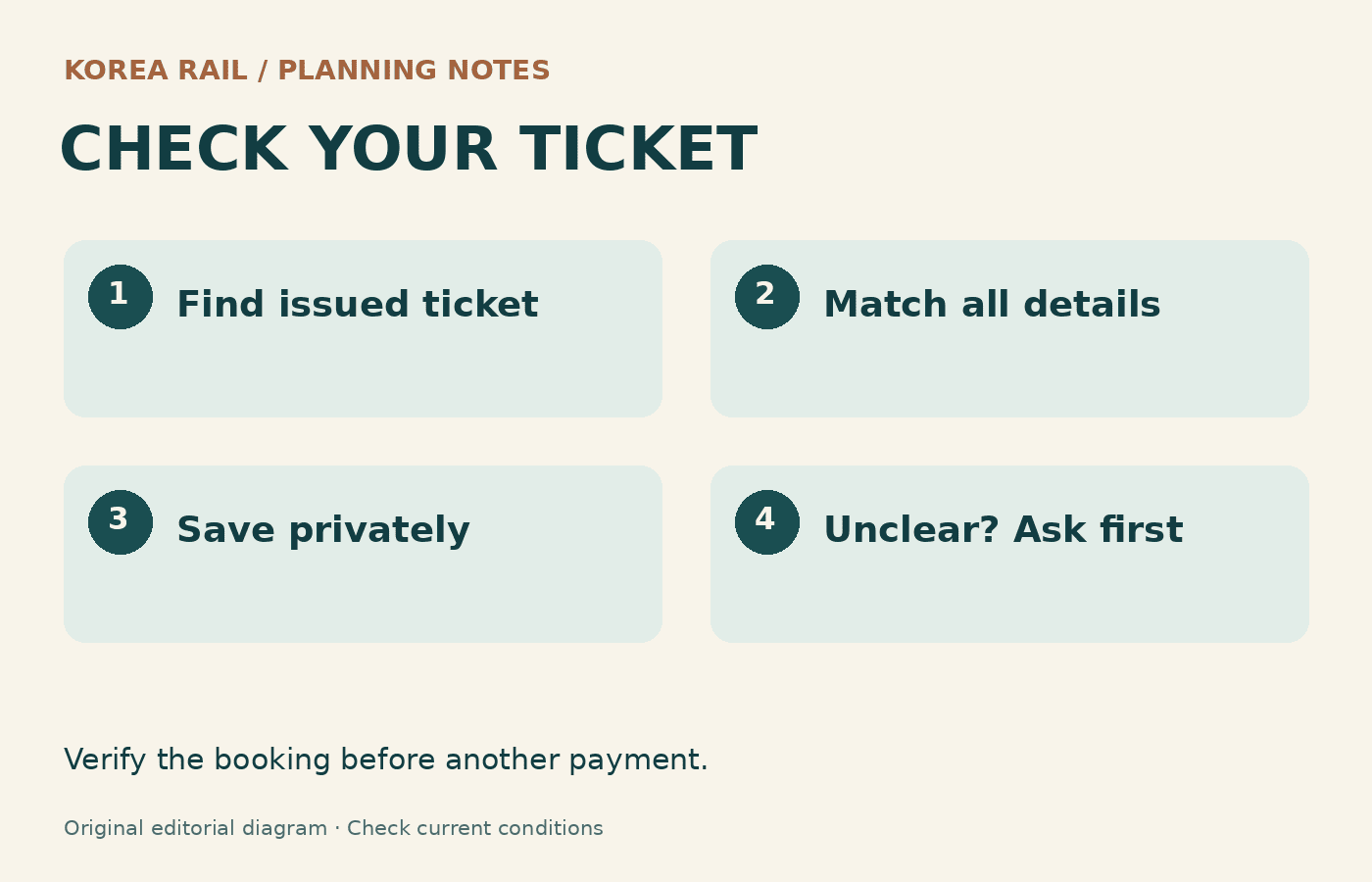
On travel day, check the whole departure
Allow time to reach the station, find the platform and locate the correct carriage. Keep your accepted ticket accessible in the form required by the seller. Do not assume a screenshot is sufficient for every product, and do not share barcodes or retrieval codes publicly.
For a connection after landing, leave room for immigration, baggage and the airport-to-station transfer. This is a different calculation from the train’s journey time. A tightly booked chain can fail even when each individual service is running normally.
Prepare mobile data so you can retrieve tickets and directions →
Keep a staffed ticket office as a possible fallback, subject to opening hours and available seats. KTO lists KORAIL’s English customer center at +82-1599-7777, 08:00–20:00 daily. Recheck the operator’s current contact details before relying on them.
The goal is simple: know where you are boarding, know which service you bought and know how to retrieve the ticket. Once those three points are settled, you can spend the journey thinking about the place you are going.